

MarketClock
A Mac menu bar clock for futures traders. Know which session is live, how long it has left, and whether Globex is open, without doing time zone math.
Free for Mac
Your trading day, in the menu bar
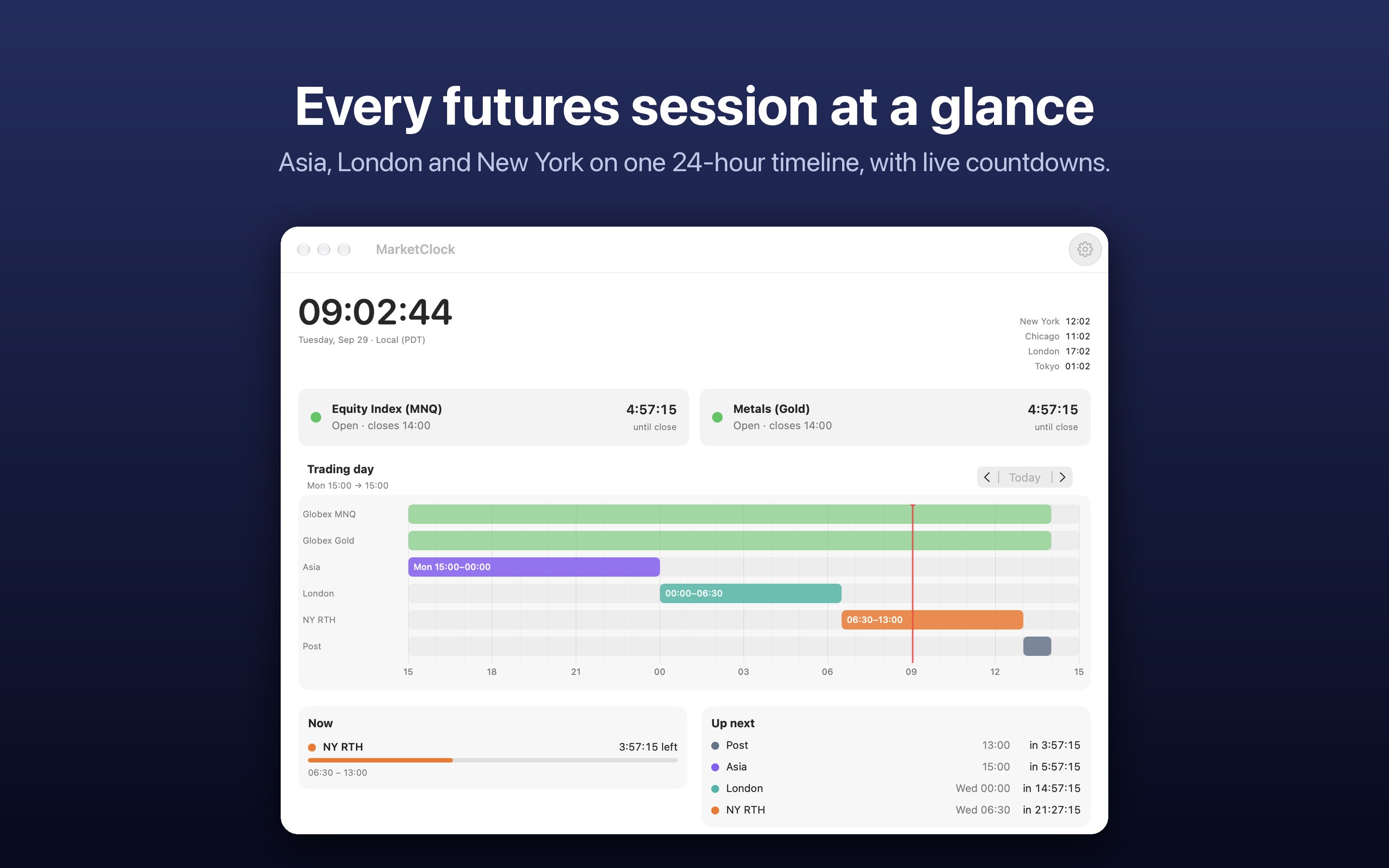
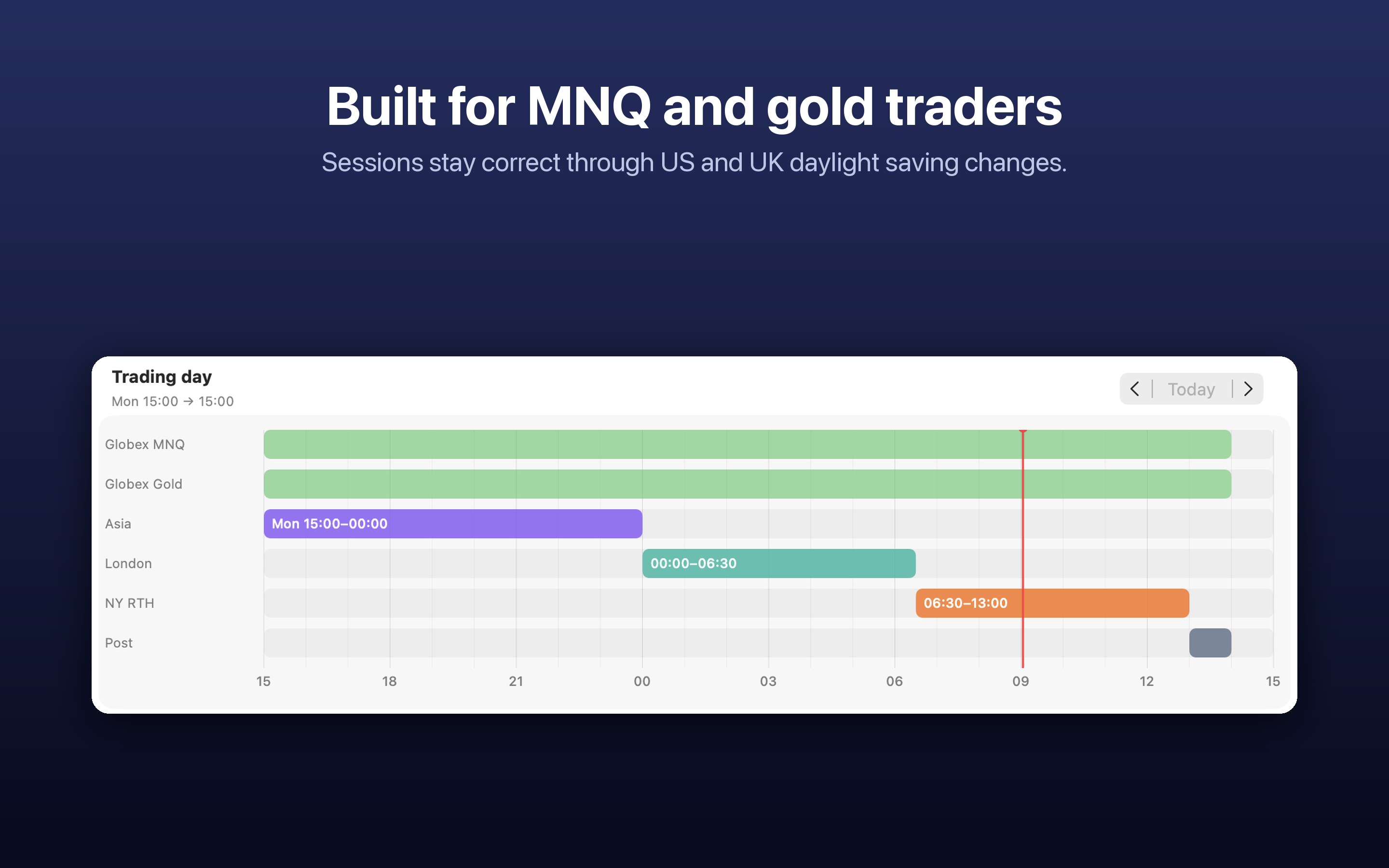
MarketClock was built for traders of CME futures such as Micro Nasdaq (MNQ) and gold. It keeps the session in progress and its countdown in your menu bar, and opens a dashboard with the whole trading day on a 24-hour timeline.
Requires macOS 27 or later. Available on the Mac App Store.
See it in action
Everything about the session clock, nothing else
Live session and countdown
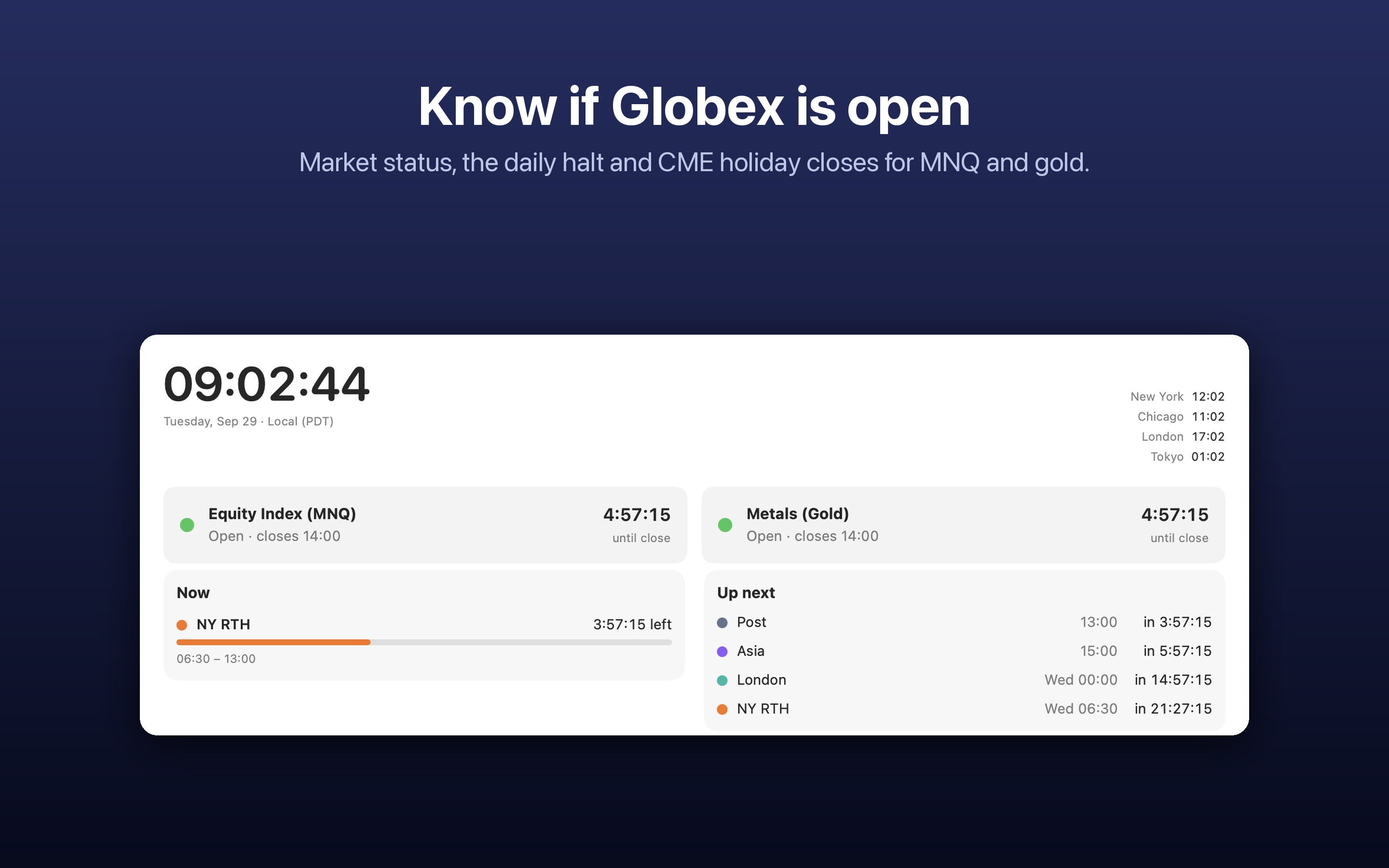
Asia, London, NY RTH and the post-close hour, with the time left in the one that is running now.
Next session at a glance
See when the next session opens, so you are at the desk before the move, not after it.
Globex status
Open, in the daily halt, closed for the weekend, or closed or closing early for a CME holiday.
CME holiday calendar
Holiday closures and early halts for equity and metals futures are built in, no internet needed.
Session alerts
Optional notifications at the open, a few minutes before, or at the close of any session.
Your own sessions
Switch on presets like ICT killzones or gold key times, or add sessions in any time zone.
Desktop widget
Put the current session and market status on your desktop next to your charts.
Daylight saving handled
Each session is kept in its home time zone, so it stays right when the US and UK change clocks on different dates.
Private by design
No account, no tracking, no network access. Everything runs on your Mac.
Questions or a session we should add?
MarketClock is made in San Jose by Codehub Care. Tell us what would make it more useful for your trading day.